
Backlinks still move rankings in 2026. The problem is the work behind them, finding relevant sites, writing unique replies, creating accounts, verifying emails. It eats hours most site owners don’t have.
The prompt below hands that entire job to Muse. It reads your opportunity list, works through sites one by one, handles signups and verifications itself, and reports every placement with an exact URL. Copy it, fill in the placeholders, paste it into a new chat and let the campaign run.
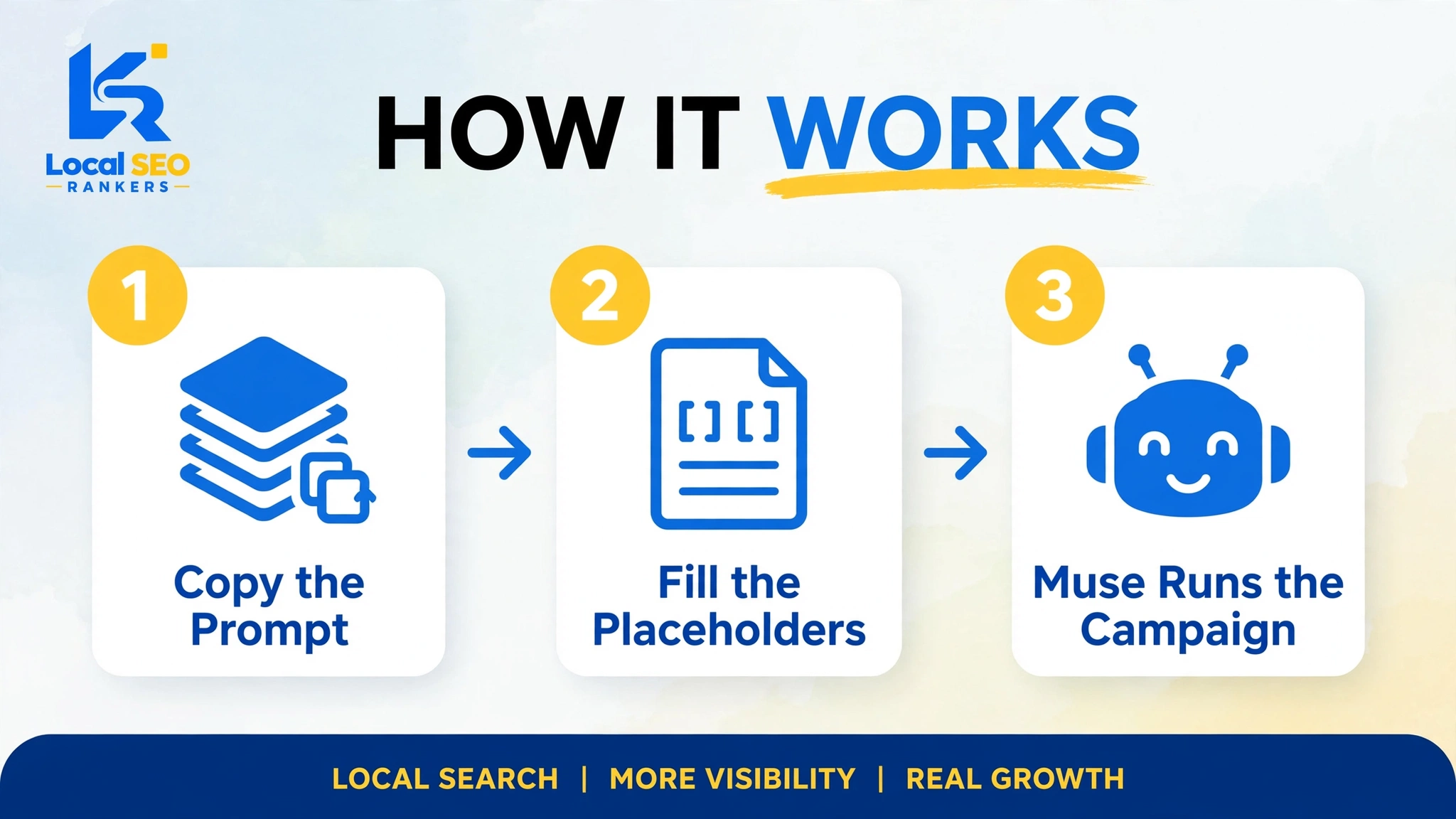
How to use it: 3 steps
Nothing complicated here. That’s the point.
- Copy the prompt from the box above with the yellow button.
- Fill in the [PLACEHOLDERS] — your site URL, a line or two about what your site does, and your name.
- Paste it into a new chat with Muse. Muse shows you the first 10 domains, asks for your Gmail, then runs the campaign on its own.
From there, you don’t babysit anything. Each site gets finished — link placed or skipped — before the next one opens.
What the prompt actually does
Most “AI link building” advice stops at “use AI for outreach.” This prompt is a full campaign playbook instead. Two phases, strict rules, honest reporting.
Phase one is read-only. Muse opens your opportunity list — ours is the Nandla backlinks list of 500+ free forums and backlink websites — and reads the first 10 domains. No clicks, no forms. Then it stops and asks one question: which Gmail should it use?
That single gate matters. It locks the whole campaign to one email identity, so you never end up with account chaos across ten sites.
Phase two is the autonomous run. Once you give the Gmail, Muse works the list with no further questions. On each site it finds a relevant blog post or forum thread, reads it, and writes a unique 2–4 sentence reply that actually adds to the discussion — with your link placed on rotated anchor text.
Accounts, email verifications, normal CAPTCHAs — Muse handles those itself. Hard puzzles, phone verification, paid walls — skipped, no retries.
What makes a placement from this kind of campaign worth having? Three things: relevance (the reply fits the thread), context (the link sits inside real discussion), and natural anchors (rotated, never stuffed).
The rules that keep it safe
Anyone can tell an AI “go build backlinks.” Campaigns fail when there are no rules. This prompt has five:
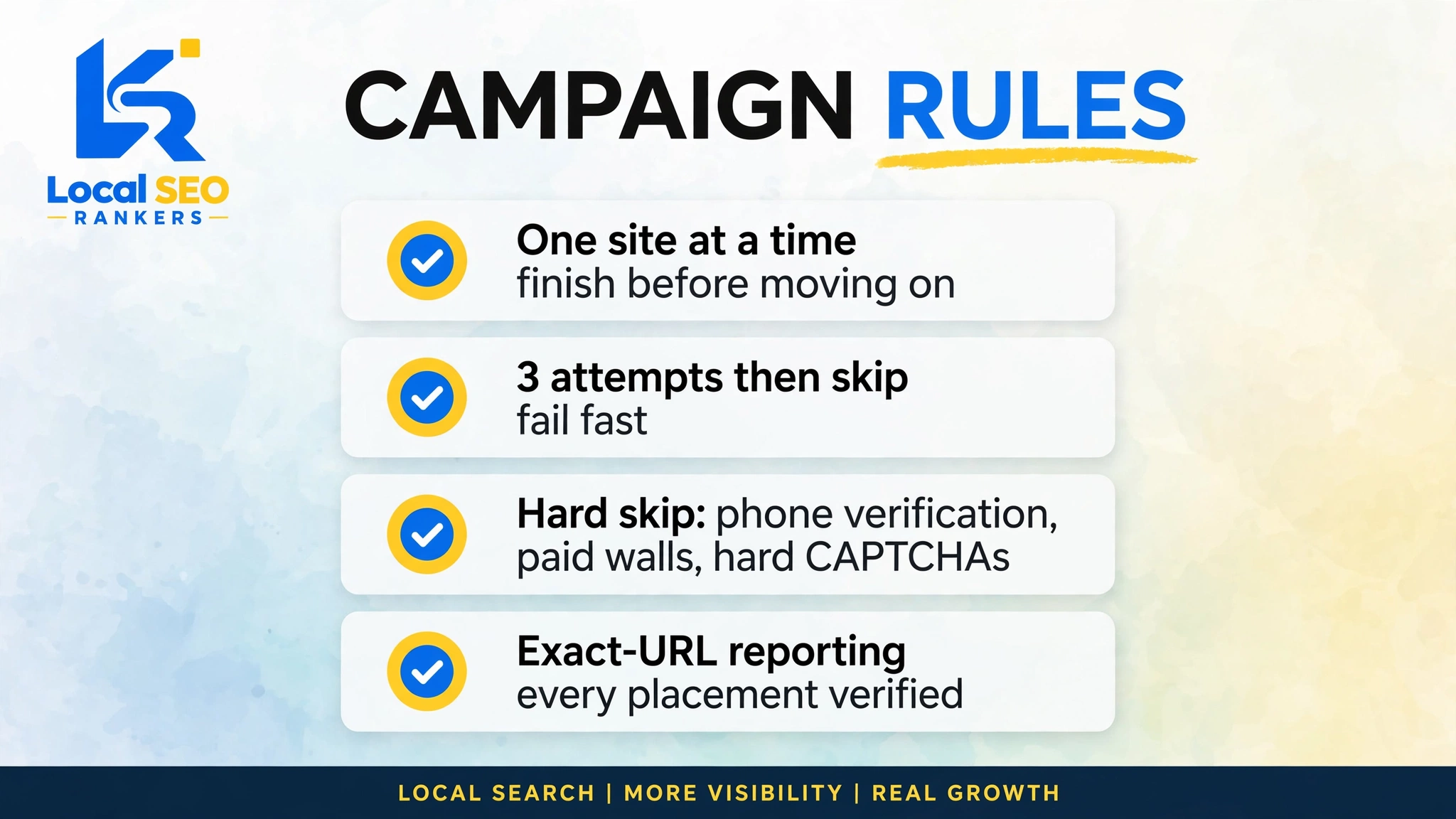
- One site at a time. Finish a site — link placed or skipped — before opening the next.
- Three attempts, then skip. A site that errors three times is done. Fail fast.
- Hard skip rules. Phone verification, paid-only accounts, hard CAPTCHAs, irrelevant niches, spam-filter walls — skipped immediately.
- One email lane. Only the Gmail you provided. Auditable and safe.
- Exact-URL reporting. The real article or thread URL of every placement, the anchor used, and the status — live, pending moderation, or skipped with a reason.
What the 2026 data says
Link building is shifting fast. A few numbers worth knowing:
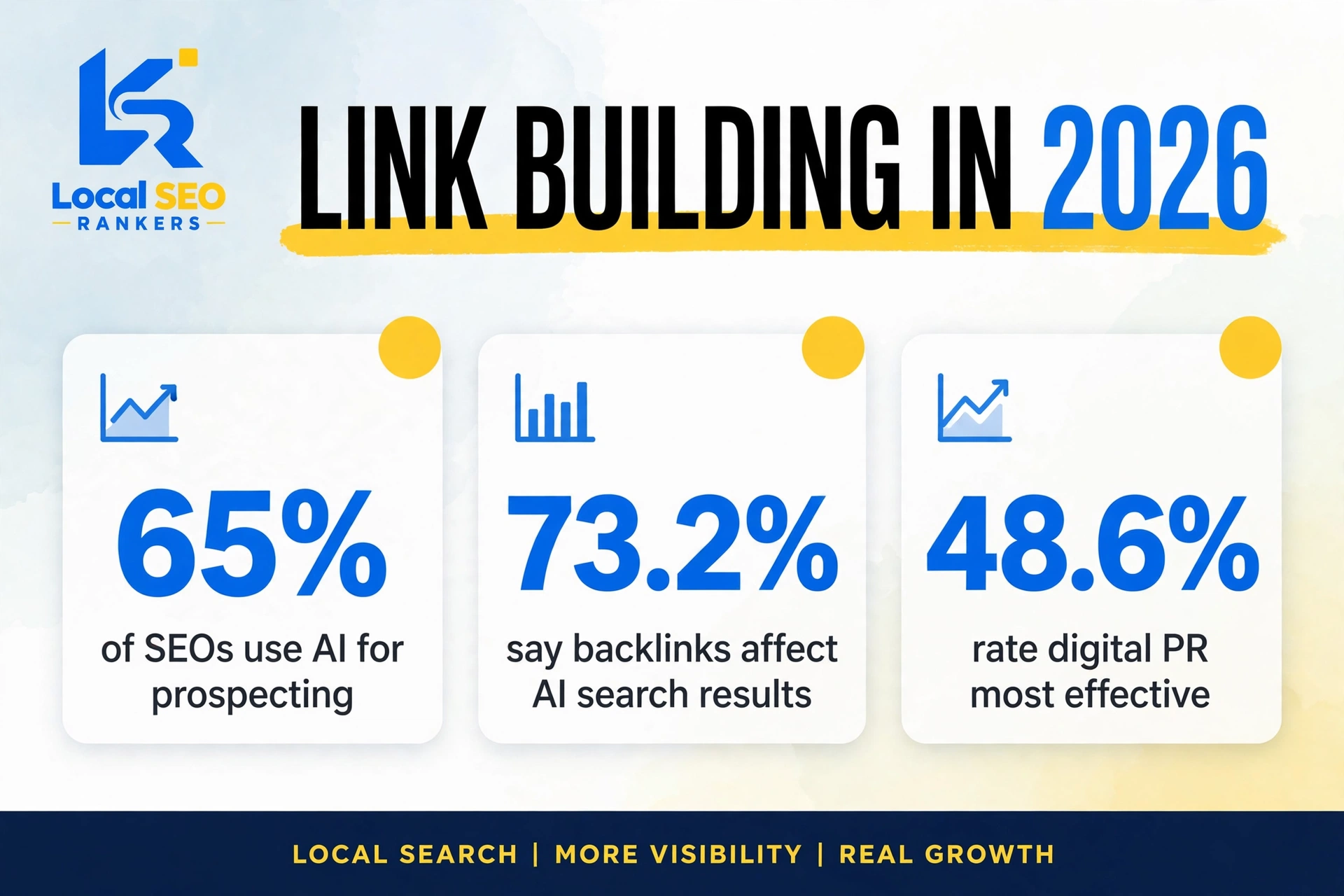
- Digital PR is now the top-rated tactic — 48.6% of SEOs rate it most effective, far ahead of guest posting at 16%. (Resourcera, 2026)
- 65% of SEOs use AI for prospecting and personalization, and 83% of link building platforms use AI for link quality assessment. (Media Search Group, 2026)
- Half of SEOs expect AI outreach tools to dominate link building by 2026, with AI cutting audit time by 70%. (Global AI in Link Building Stats, 2026)
- Backlinks now feed AI search too. 73.2% of SEOs believe backlinks affect appearance in AI search results like Google’s AI Overviews and ChatGPT. A study of 75,000 brands found a 0.664 correlation between brand mentions and AI Overview appearance.
The takeaway: in 2026 a backlink is a visibility asset across Google, AI Overviews, and chat-based search. Relevant, contextual placements win on all three. Template blasts lose everywhere.
The problems this prompt solves
Manual outreach has a few specific miseries. This prompt targets each one:
- Burnout. Finding threads, writing unique replies, creating accounts, verifying emails — hours per site, handed to the agent.
- Anchor drift. Manual campaigns repeat the same keyword. The prompt rotates anchors by design.
- No proof. “We built links” means nothing without URLs. The reporting rule gives you exact placements you can click — or it didn’t happen.
- Verification hell. Codes, confirmation links, CAPTCHAs — completed from your connected Gmail instead of pinging you every ten minutes.
- Spam risk. The relevance filter is absolute: wrong niche, no post. Never an off-topic reply just to grab a link.
Where most AI link building goes wrong
An honest gap analysis. Most tools and guides miss the same things:
- They automate templates, not judgment. Five hundred personalized-ish emails is still blasting. This prompt forces a read of each thread before a word is written.
- Their “automation” needs a babysitter. No attempt caps, no skip rules — someone has to watch. The kill-switch design is what makes this genuinely hands-off.
- They report domains, not placements. “Links on 10 domains” tells you nothing. Exact URLs with anchors and status let you audit the work.
- No identity discipline. Random emails across random accounts turns into a mess. One Gmail lane, locked at step one.
Before you run it
- Relevance is the whole game. One relevant link beats ten random ones. Don’t override the prompt’s instinct to skip.
- Review the first report before scaling. Run the first 10, read the results file, check the placements. Then point it at the next batch.
- Give it something worth linking to. The prompt earns placements; your content decides their value. A genuinely useful page — like our guide on how to improve local SEO rankings — turns a comment link into lasting authority.
- Keep the results file. It’s your audit trail and outreach history in one place.
Frequently asked questions
Is this white-hat? +
Mostly, with honest caveats. The prompt only allows relevant, helpful replies on real discussions, and skips anything paid or manipulative by rule. Note that many blog and forum links carry nofollow or ugc attributes, so their direct ranking value varies — the real wins are relevance, referral traffic, and discovery.
Will Google penalize AI-assisted backlinks? +
Google penalizes manipulative patterns, not tools. A relevant reply with a contextual link inside a real discussion is the kind of editorial placement Google rewards. What gets penalized is scale without relevance — which the skip rules prevent.
How many backlinks will 10 sites produce? +
A realistic mix: some live, some in moderation queues, some clean skips with reasons. Ten sites won’t yield ten links — any campaign promising that is lying.
Can I reuse the prompt? +
Yes — that’s the point of the template. Run the first 10, then paste it again for the next batch, or swap in your own opportunity list.
Does it work for any niche? +
Any niche with real blogs, forums, or communities discussing it. Narrow niches will simply see more skips, honestly reported.
Which Gmail should I use? +
A dedicated one you control — ideally set up for outreach, not your personal inbox. Every signup and verification flows through it.
Want this done for you?
That’s literally what we do. Local SEO Rankers runs managed backlink campaigns with the same discipline — relevant placements, natural anchors, exact-URL reporting. Contact us for a free consultation.